

In this guide: Where to manage downloads, license, renewals, and support.
Contents
- What the account is for
- What you can find
- Recommendation
- If you cannot access it
How do I access my customer account?
Follow the link to: https://www.kademar.io/en/my-account
What the account is for
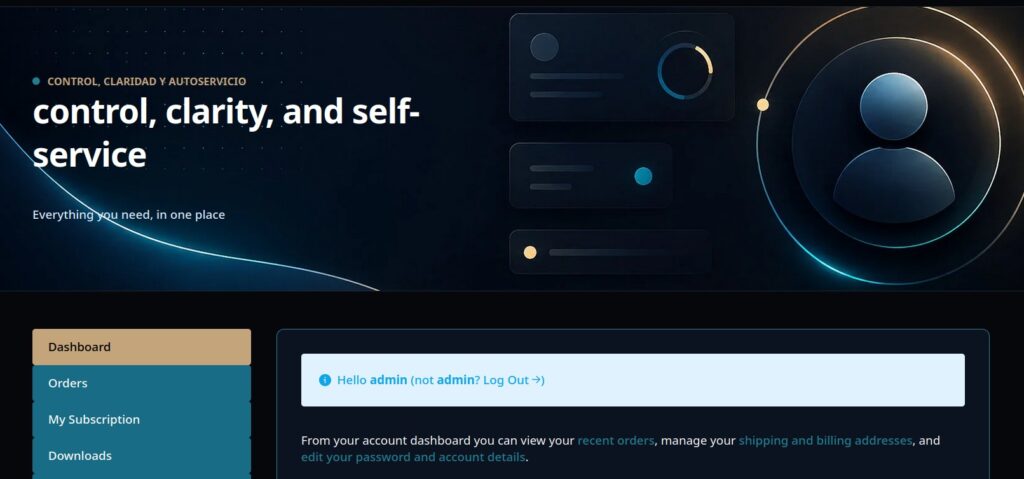
Your customer account is used to manage access to the product, downloads, license, renewals, and associated support.
It is the reference point when you need to recover the plugin, check the license status, or manage purchase details.
What you can find
- Official plugin download.
- License details.
- Renewal information.
- Access to support if your plan includes it.
- Billing or purchase details, depending on the store configuration.
Recommendation
Keep access to your account in a safe place. If you work as an agency, document which license belongs to each client to avoid future confusion.
If you cannot access it
Check the email used for the purchase.
Look for the confirmation email.
Reset the password if necessary.
Contact support with the purchase email and associated domain, if applicable.